
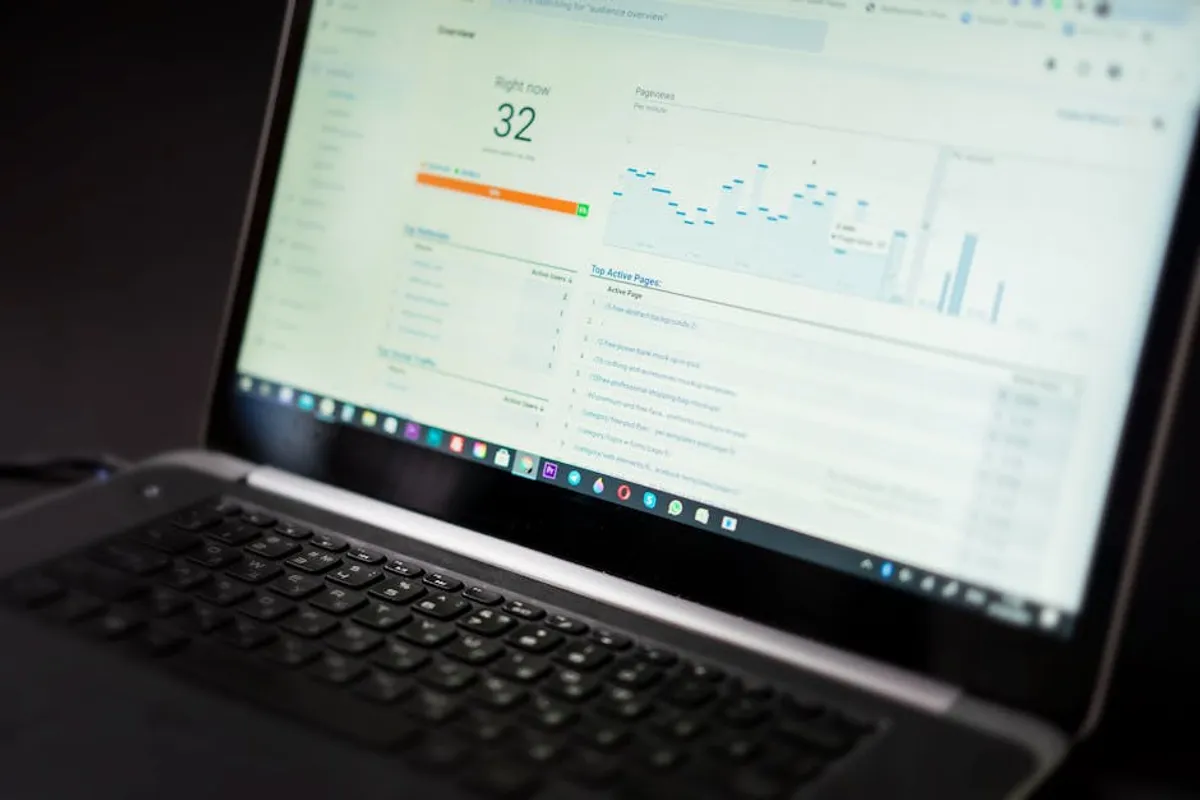
Building a rank tracking dashboard moves beyond raw data exports, transforming disparate keyword positions into a coherent, actionable narrative. For SEO professionals, marketers, and site owners, a well-constructed dashboard is not merely a reporting tool; it is an intelligence hub that streamlines performance analysis, identifies opportunities, and communicates value to stakeholders. The objective is to consolidate crucial ranking data, visualize trends, and correlate rank changes with business outcomes, all within a single, accessible interface. This guide outlines the practical steps and considerations for constructing such a dashboard, ensuring it serves as a strategic asset rather than just another data dump. Understanding the key metrics for tracking SEO performance is vital for a truly intelligent dashboard.
Defining Your Dashboard's Core Metrics and Scope
Before selecting tools or designing layouts, identify the specific metrics and scope your rank tracking dashboard must cover. A dashboard's utility hinges on its ability to answer critical business questions, not just display numbers. Consider the following:
- Target Keywords: Segment keywords by intent (transactional, informational), product category, or geographic focus. Track both brand and non-brand terms separately for clearer performance insights.
- Ranking Positions: Monitor average position, position distribution (e.g., percentage of keywords in top 3, top 10, top 20), and individual keyword movements. Historical data is crucial for trend analysis.
- SERP Features: Include visibility for rich results, featured snippets, local packs, image carousels, and other non-standard SERP elements. These often drive disproportionate traffic regardless of organic rank.
- Competitor Performance: Integrate competitor ranking data for shared keyword sets to benchmark performance and identify market shifts. This provides context for your own gains or losses.
- Search Volume & Traffic Correlation: Overlay ranking data with estimated search volume to prioritize optimization efforts. Correlate rank changes with organic traffic metrics (from Google Search Console or analytics platforms) to quantify impact.
- Geographic & Device Segmentation: If relevant, track rankings across different regions or device types (desktop vs. mobile) to uncover localized opportunities or performance disparities.
Best for: Establishing clear objectives and ensuring the dashboard delivers relevant, decision-making data.
Sourcing Reliable Rank Tracking Data
The foundation of any effective dashboard is accurate and consistent data. Your choice of data source directly impacts the depth, frequency, and reliability of your reporting.
Most robust rank tracking dashboards rely on data pulled via Application Programming Interfaces (APIs) from dedicated rank tracking platforms. APIs allow for automated, scheduled data extraction directly into your dashboard environment, minimizing manual effort and reducing the risk of human error. When evaluating a data source, consider:
- API Availability & Documentation: Ensure the platform offers a well-documented API that allows access to all necessary metrics (keyword, URL, position, SERP features, search volume, date).
- Data Granularity & Frequency: Can you pull daily, weekly, or monthly data? What level of detail is available (e.g., exact position, position history, SERP screenshot URLs)?
- Historical Data Access: Verify how much historical data can be retrieved via the API, as this is essential for trend analysis.
- Scalability: Does the API support the volume of keywords and projects you intend to track without incurring prohibitive costs or rate limits?
- Integration with Other Tools: Consider how easily the rank tracking data can be combined with data from Google Search Console, Google Analytics, or CRM systems for a holistic view.
For smaller projects or initial explorations, manual CSV exports from rank tracking tools can serve as a temporary data source, though this requires regular manual updates and is prone to inconsistencies.
Pro Tip: Data Integrity Check
Regularly audit your data sources and the data flowing into your dashboard. Discrepancies in ranking data (e.g., sudden, unexplained drops or spikes) can often be traced back to issues with the data source's crawling, API connection, or changes in how metrics are reported. Implement validation checks to flag anomalous data points before they lead to misinformed decisions.
Selecting a Dashboard Platform
The choice of dashboard platform dictates your visualization capabilities, integration options, and ease of use. Common choices range from free tools to enterprise-level business intelligence (BI) solutions:
- Google Looker Studio (formerly Data Studio):
- Pros: Free, integrates seamlessly with Google products (Google Search Console, Google Analytics), offers a wide range of connectors for third-party APIs, intuitive drag-and-drop interface, strong sharing and collaboration features.
- Cons: Can be less performant with very large datasets, some advanced visualization options require custom development or workarounds.
- Tableau:
- Pros: Industry-leading visualization capabilities, handles massive datasets efficiently, robust data blending and transformation features, strong community support.
- Cons: Higher cost, steeper learning curve for advanced functions, typically requires more technical expertise to set up and maintain.
- Microsoft Power BI:
- Pros: Strong integration with Microsoft ecosystem (Excel, Azure), powerful data modeling and transformation engine (Power Query), good for users familiar with Excel, competitive pricing.
- Cons: Can be resource-intensive, interface can be less intuitive for non-Microsoft users, visualization options sometimes less flexible than Tableau.
- Custom Solutions:
- Pros: Complete control over design, features, and integrations; tailored exactly to specific business needs; can host on private infrastructure.
- Cons: High development cost and time, ongoing maintenance and support requirements, requires in-house technical expertise.
Best for: Matching your technical resources, budget, and desired level of customization with platform capabilities.
Designing for Clarity and Actionability
A dashboard is only effective if its insights are clear and actionable. Focus on user experience and strategic communication:
- Visual Hierarchy: Place the most critical metrics and trends prominently. Use larger fonts, distinct colors, and clear labels for key performance indicators (KPIs).
- Trend Over Time: Utilize line charts for average position, keyword distribution, and SERP feature visibility to illustrate performance trajectories. Annotate charts with significant events (e.g., algorithm updates, site migrations, major content pushes) to provide context.
- Segmented Views: Allow users to filter data by keyword group, landing page, device, geography, or date range. This enables deeper dives without cluttering the primary view.
- Comparative Analysis: Employ bar charts or heatmaps to compare your rankings against competitors or to show performance across different keyword categories.
- Actionable Alerts: Consider integrating conditional formatting or automated alerts for significant rank drops or gains, prompting immediate investigation or celebration.
- Minimalism: Avoid overwhelming the dashboard with too many charts or metrics. Each visual should serve a specific purpose and contribute to understanding.
Best for: Ensuring stakeholders can quickly grasp performance and identify areas requiring attention.
Automating Data Flows and Maintenance
The efficiency of a rank tracking dashboard is largely dependent on its automation. Manual data updates are time-consuming and prone to error. Implement automated data connectors and refresh schedules for your chosen platform.
For Google Looker Studio, native connectors can pull data from Google Search Console directly. For third-party rank tracking tools, you'll typically use their API in conjunction with a custom connector or a data warehousing solution (like Google BigQuery) to stage the data before it's pulled into the dashboard. Schedule data refreshes to align with your reporting needs (e.g., daily for granular tracking, weekly for high-level overviews).
Regularly review data connections to ensure they remain active and pull accurate information. As your tracking needs evolve, be prepared to adapt your data schema and dashboard layout.
Sustaining Your SEO Visibility Reporting
Building a rank tracking dashboard is an ongoing process, not a one-time project. Continuously refine its utility by gathering feedback from users, adding new metrics as business goals shift, and optimizing its performance. Ensure documentation is in place for data sources, metric definitions, and dashboard functionality to facilitate continuity and onboarding for new team members. A well-maintained dashboard serves as a living document of your SEO performance, providing sustained value over time.
Frequently Asked Questions
How often should I update my rank tracking dashboard?
The update frequency depends on your reporting needs. For daily monitoring of critical keywords or during active campaigns, daily updates are beneficial. For broader strategic overviews, weekly or monthly refreshes may suffice. Automated data flows make frequent updates feasible without manual effort.
What's the difference between rank tracking and traffic reporting?
Rank tracking focuses on your website's position in search engine results pages (SERPs) for specific keywords. Traffic reporting, typically from analytics platforms, measures the actual number of visitors to your site. While related, high rankings don't always translate directly to high traffic, especially if the keyword has low search volume or a competitive SERP feature dominates visibility.
Can I track local ranks using a dashboard?
Yes, many rank tracking tools offer localized rank tracking capabilities. When building your dashboard, ensure your data source can provide rank data for specific geographic locations (e.g., city, state, zip code) and integrate these segments into your dashboard design for targeted local SEO insights.
What are common pitfalls to avoid when building a rank tracking dashboard?
Avoid vanity metrics (metrics that look good but don't drive business value), dashboard clutter, and relying solely on average position without considering SERP features or search volume. Ensure data sources are reliable, and regularly validate the accuracy of the data presented.